GAME GUIDE

Learn the track

Learn the controls and power-ups, and how results, coins, and medals work.

Drag

Change lanes

Double-tap

Jump an obstacle

Freeze

Stop forward movement to adjust

Your first practice

Start with two gates in the tutorial. Then try a Campaign finale and check what goal remains on your results screen.

Start with controls

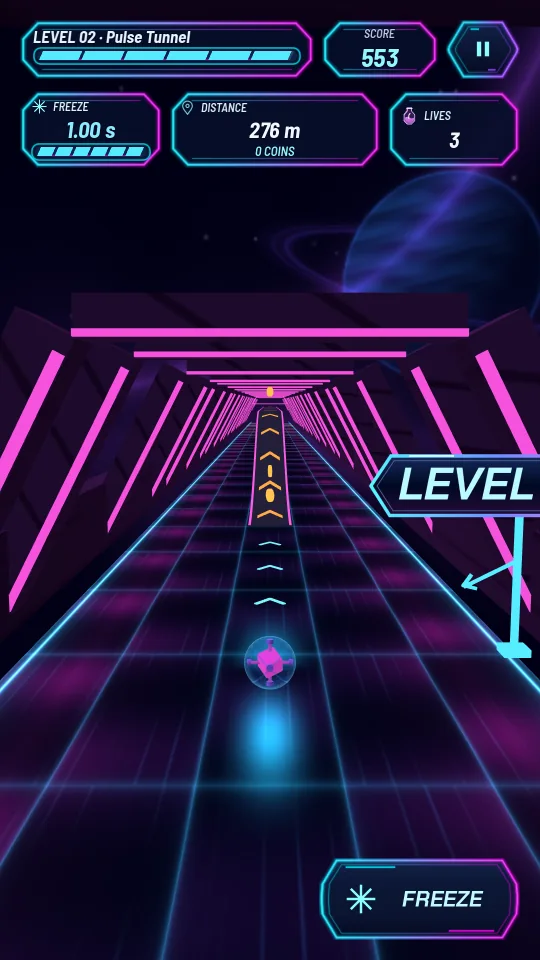
Steer and freeze

Drag to change lanes and double-tap to jump. Use Freeze to stop the track while adjusting your line. You start with one second of energy and can recharge by collecting shards.

Try this

Practice on two gates in opposite lanes.

  1. Read the closest opening and start moving before you reach it.
  2. When you spot the second gate, use Freeze if you need more time to change lanes.
  3. Release Freeze once lined up. Pick up the shard as you cross if one appears.
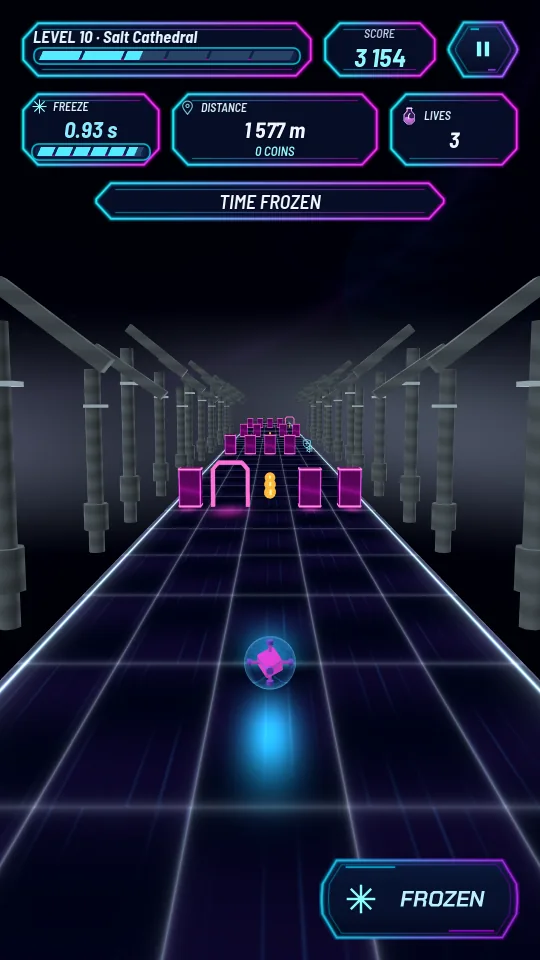
Steer and freeze
Steer and freeze

Aerial routes and Turbo

Look for launch pads and ramps. In the air, steer toward the landing marker. A precise landing in aerial campaign finales activates Turbo. While boosted, you can break obstacles.

Try this

Use the landing marker to adjust your line mid-flight.

  1. Cross the pink pad to launch or follow the ramp onto the sky route.
  2. Drag in the air to center over the marker. On the platform, double-tap if you meet a block.
  3. If you see a floating diamond, line up with it to chain a boost and extend your flight.
Aerial routes and Turbo

Shields and lives

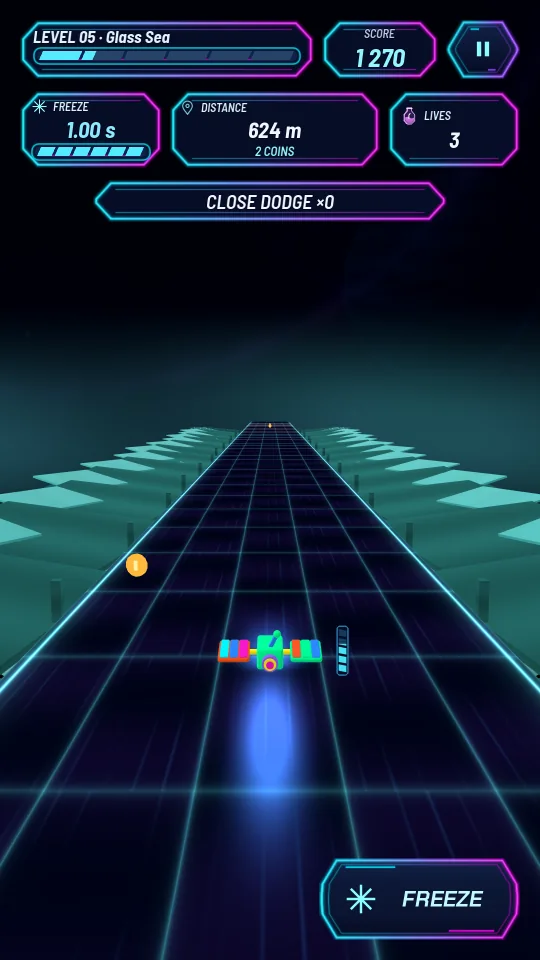
Shields block hits for three seconds. The gauge beside your skin shows the time remaining. Beacons grant an extra life. The run ends when both base and extra lives are gone.

Try this

Read the shield meter before taking a risk.

  1. After picking up a shield, check the vertical gauge beside your skin.
  2. If protection is running low, set up a dodge for the next block.
  3. Look for a life beacon on a side route when you have room to change lanes.
Shields and lives
Shields and lives

Coins and retries

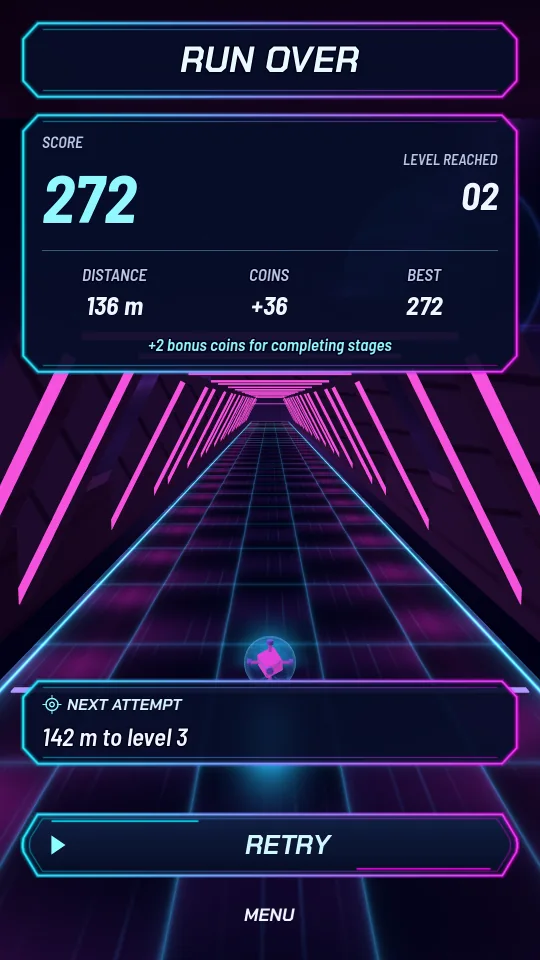
Results track actual distance and coins earned. A level clear adds two coins and a sector clear adds ten more. The results screen suggests a next target. Retry returns to the same track.

Try this

Use the results screen to take a goal into your next run.

  1. Check distance and level reached to see where you stopped.
  2. Collected coins and completion bonuses for levels or sectors appear in the results.
  3. Retry the same track and start by changing the move that caused your last impact.
Coins and retries
Coins and retries

Campaign medals

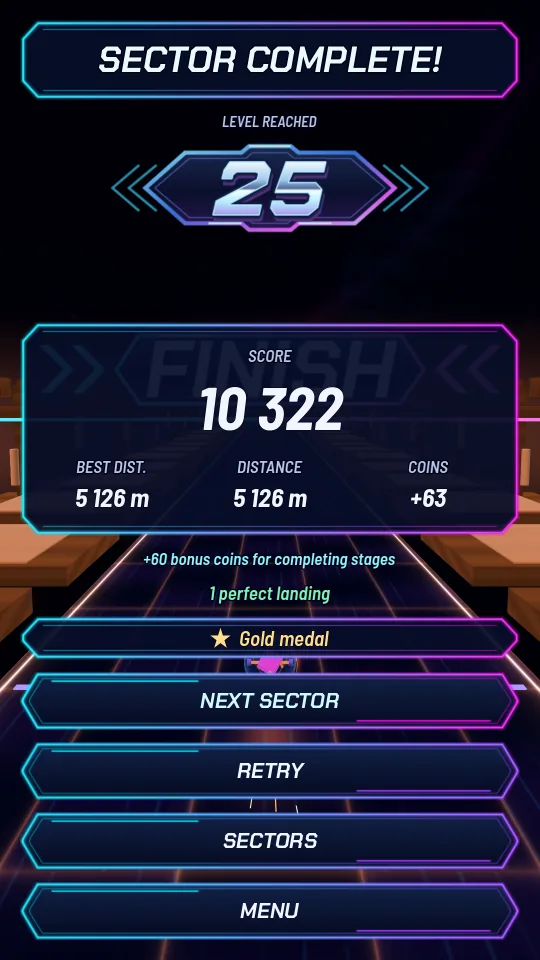
Finishing unlocks the next sector. For gold, clear the finale without impacts and meet its objective, such as aligning with three gates or landing perfectly.

Try this

Finish the sector, then plan a gold attempt.

  1. Check the finale objective on the sector card.
  2. In moving-gate finales, line up with at least three gates. In aerial finales, aim for a perfect landing.
  3. Clear the finale without impacts. Your medal is saved when you cross the finish.
Campaign medals
Campaign medals

Frequently asked questions

Can I play offline?

Yes. Runs, campaign progress, and missions are stored on your device.

Where can I see my earned medals?

Campaign shows your gold count at the top and marks sectors with a GOLD label.

Do I lose coins when I crash?

Earned coins are recorded when the run ends. An unfinished level still counts pickups, and each completed level adds a bonus.

Where do I adjust sensitivity?

Open Settings and choose Controls. You can adjust sensitivity, invert steering, and change how Freeze activates.

See it on the track

Watch a finale and choose the maneuver you want to practice first.